Add your own photo
Real photos of family, pets, toys and places are often easiest for children to recognise.
- 1
Open the parent area: in the talker, press and hold the 🔒 button (top-right) for about 1½ seconds, then answer the question.
- 2
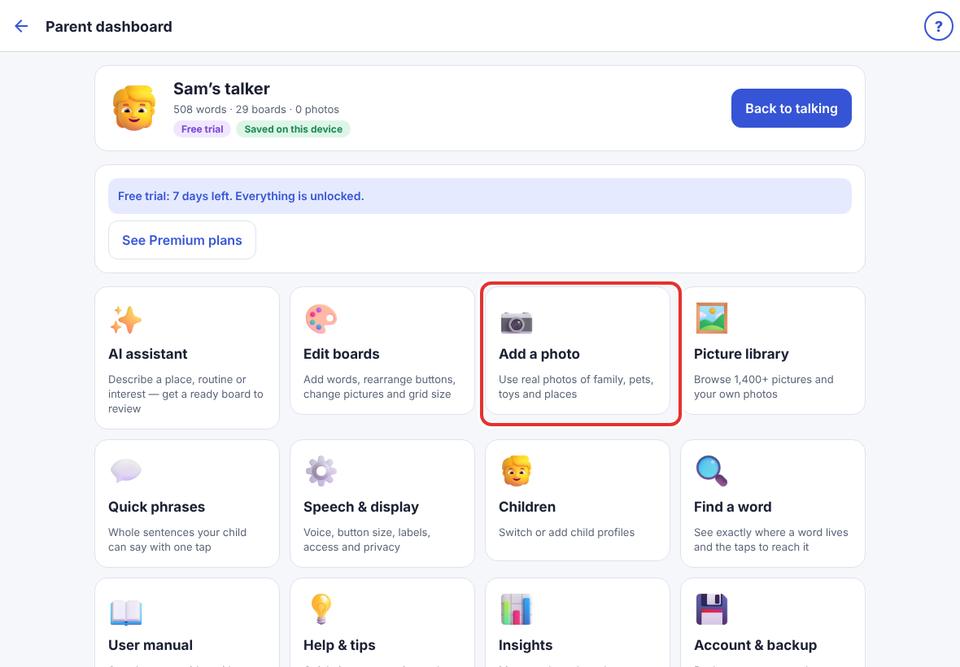
Tap Add a photo.
- 3
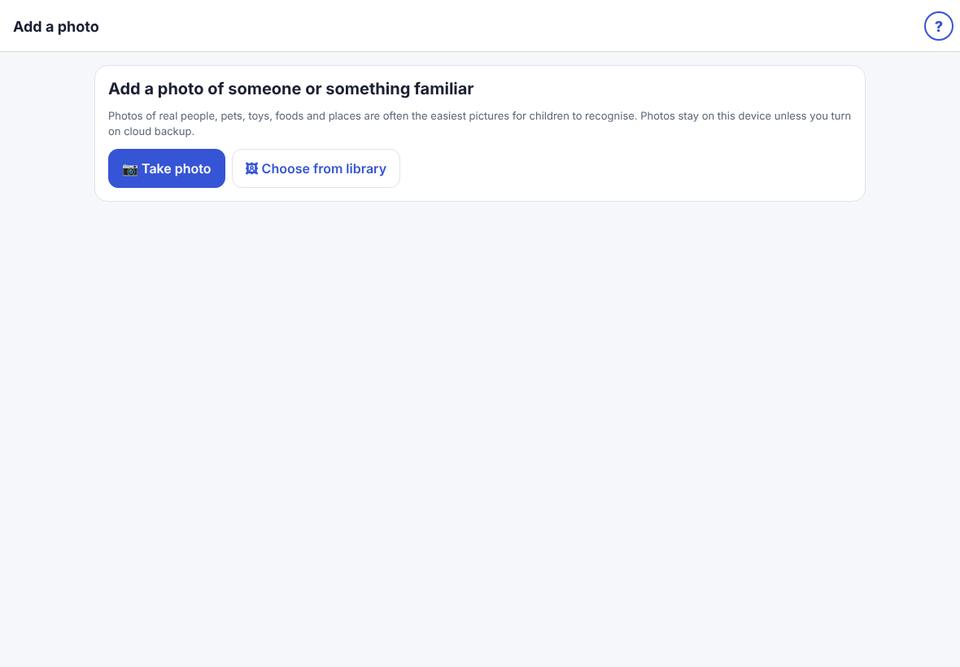
Tap 📷 Take photo or 🖼 Choose from library. The first time, allow KuyilVoice to use the camera or photos.
- 4
Crop the photo to a square and tap Choose.
- 5
Type the word, for example “Grandma”, or tap ✨ Suggest word & category to let the AI suggest it.
- 6
Choose a category and tap Save button. The photo is added to the matching board.
Photos stay on this iPad unless you turn on cloud sync.