Turn on the AI assistant
The AI assistant needs an account, Premium (or the free trial) and your permission for each child.
- 1
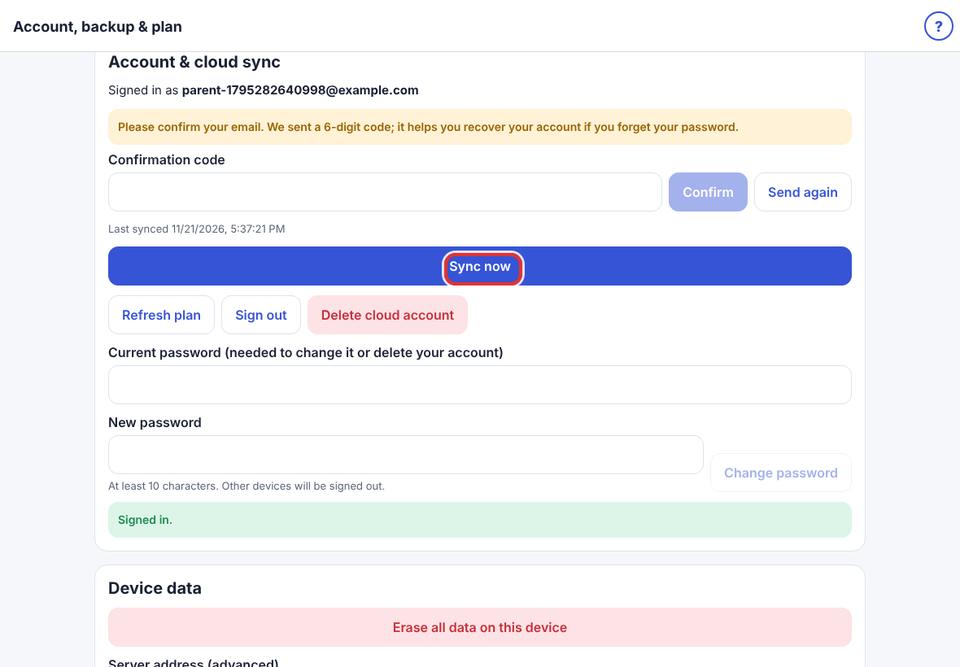
Parent area → Account & backup. Create an account or sign in.
- 2
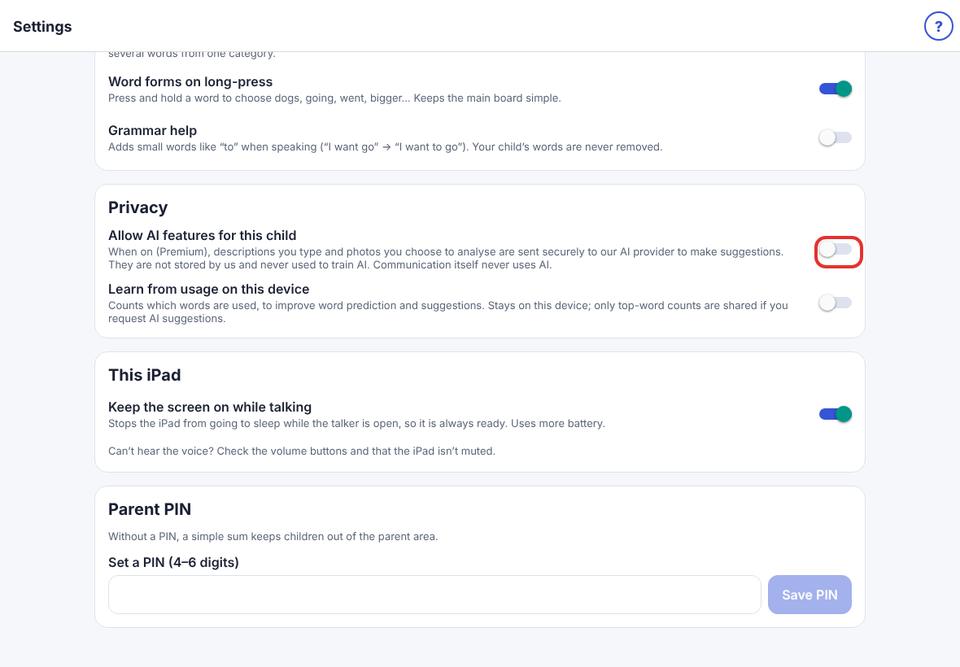
Parent area → Speech & display → Privacy → turn on Allow AI features for this child, and confirm.
- 3
Open AI assistant from the dashboard. A green note says “AI is on for this child”.
Without AI, the assistant still offers on-device suggestions, clearly marked “no AI”.
Nothing the assistant suggests reaches your child until you approve it.