Core words on every board
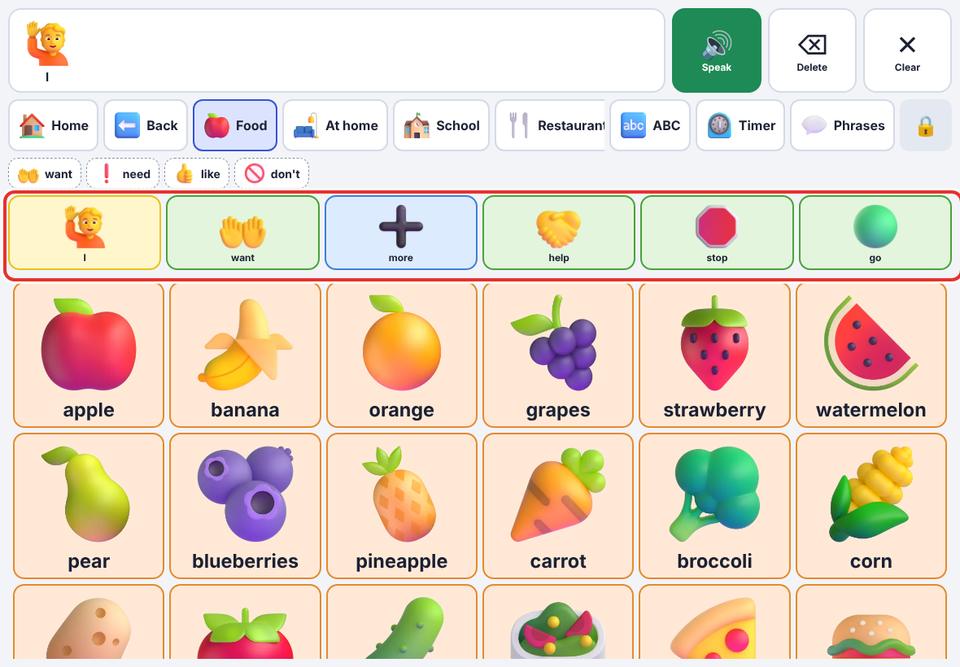
Keep the most important words (I, want, more, help, stop…) visible on every board.
- 1
Parent area → Speech & display → turn on Core words on every board.
- 2
Open any board, for example Food. The main board’s top row appears above it, so your child can say “want apple” without going back.
The core row is hidden while switch scanning is on.