Getting started for therapists & teachers
How KuyilVoice works for speech therapists, teachers and clinics: one iPad for your whole caseload, with each child’s boards kept separate.
- 1
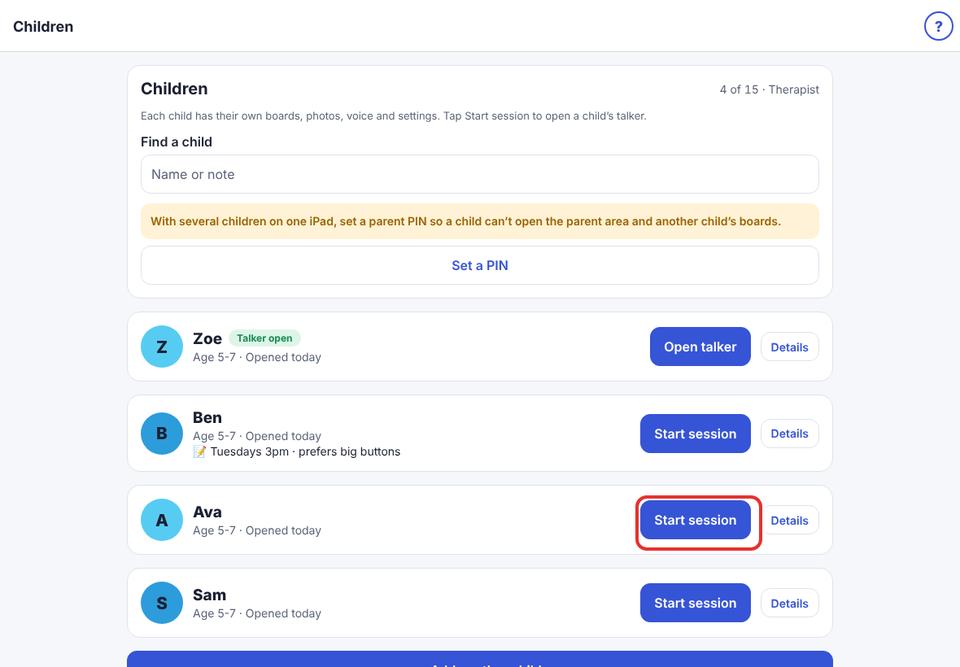
One iPad, many children. Add each child you work with. Every child has their own boards, photos, voice and settings, and nothing is shared between them.
- 2
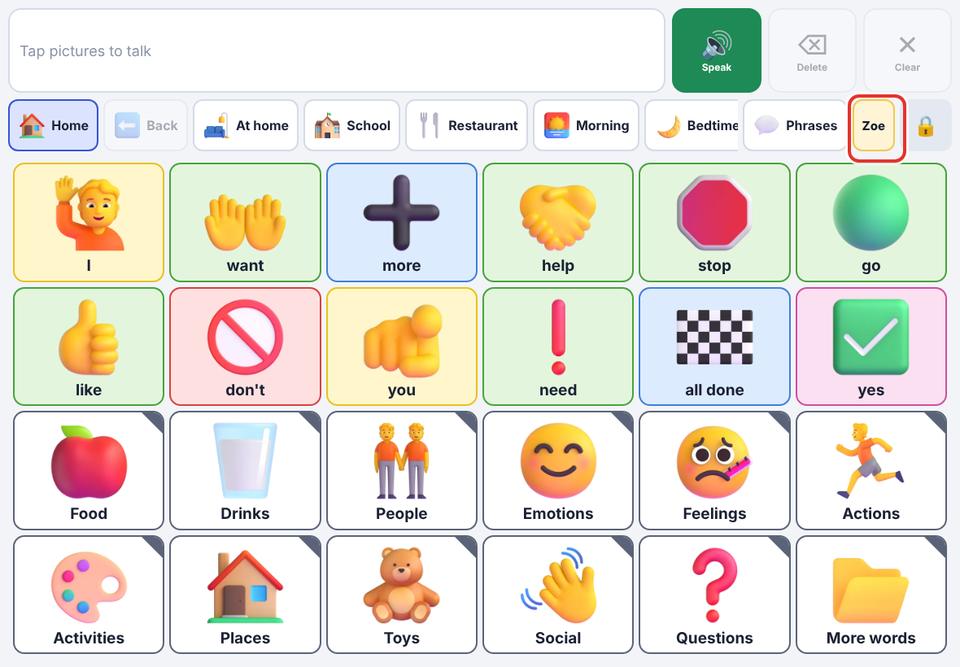
Start a session in two taps. Open Children (or Switch child on the dashboard) and tap Start session. The child’s name shows on the talker so you always know whose boards are open.
- 3
Keep notes for yourself. Each child can have a private note (session day, what helps them). Children never see it.
- 4
Protect the parent area. Set a parent PIN so children can’t open the settings or another child’s boards (Speech & display → Parent PIN).
- 5
Keep home, school and therapy the same. Share a board as a file with a family or another iPad, and import theirs. A direct link with each family is coming: your changes will reach the family’s iPad only after the family accepts them.
- 6
Plans by caseload size: Therapist (up to 15 children) and Therapist Plus (up to 40). Schools and clinics with several therapists can ask for a quote. See them under Account & backup → See Premium plans.
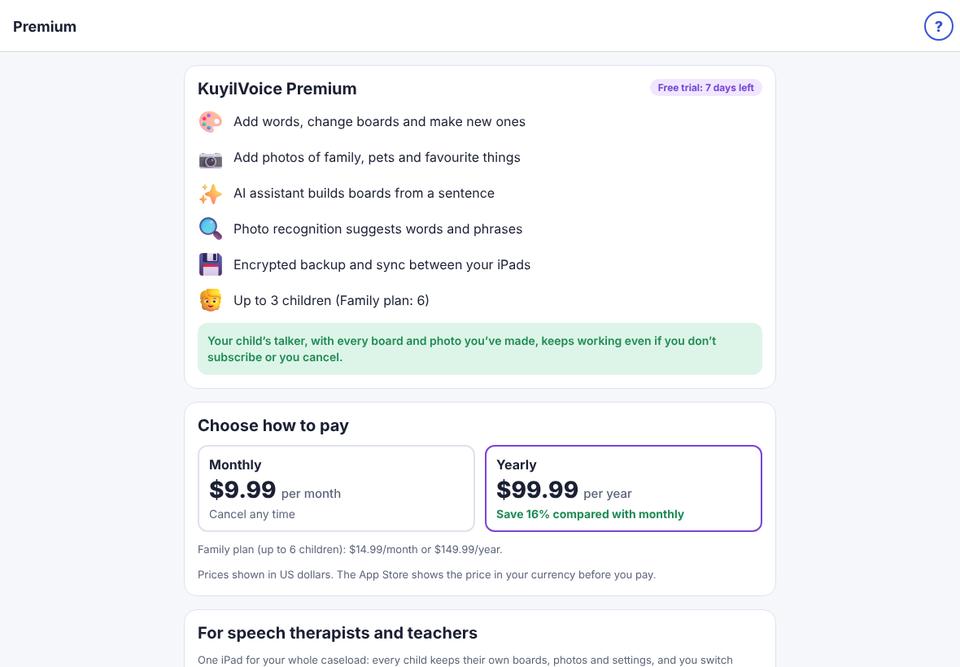
The child’s talker never stops working, even if a subscription ends: only adding and changing things needs a plan.
Children’s data stays on the iPad unless you turn on sync. AI is off until you allow it for each child, and what a child says is never sent anywhere.