Open the parent area
All changes are made in the parent area. It is behind a lock so children can’t get in by accident.
- 1
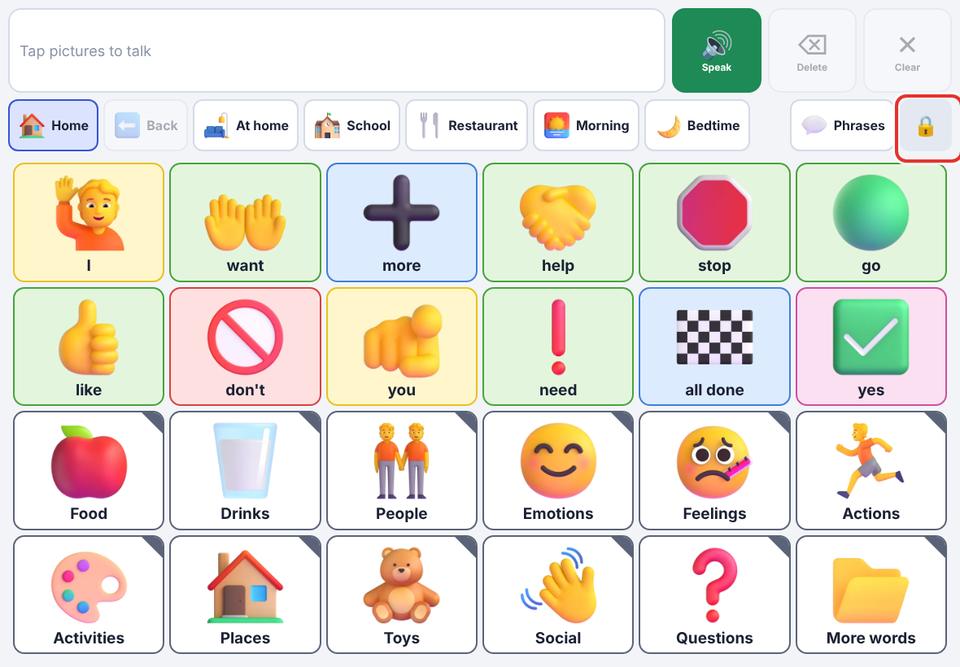
In the talker, find the 🔒 button at the top-right.
- 2
Press and hold it for about 1½ seconds. A quick tap does nothing, on purpose.
- 3
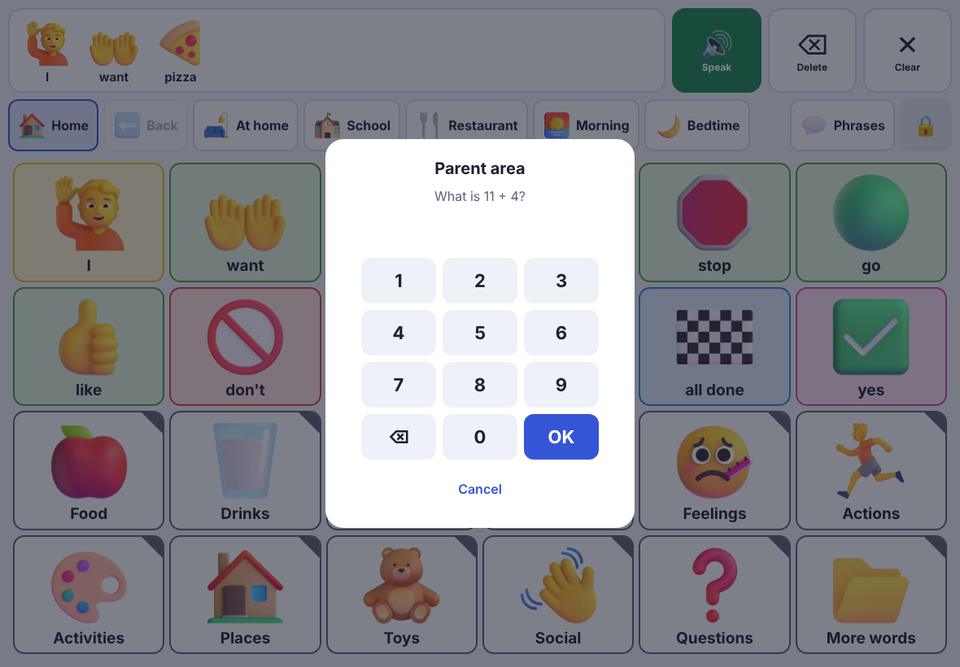
Answer the question (for example “What is 7 + 5?”) using the number buttons. If you set a PIN, type your PIN instead.
- 4
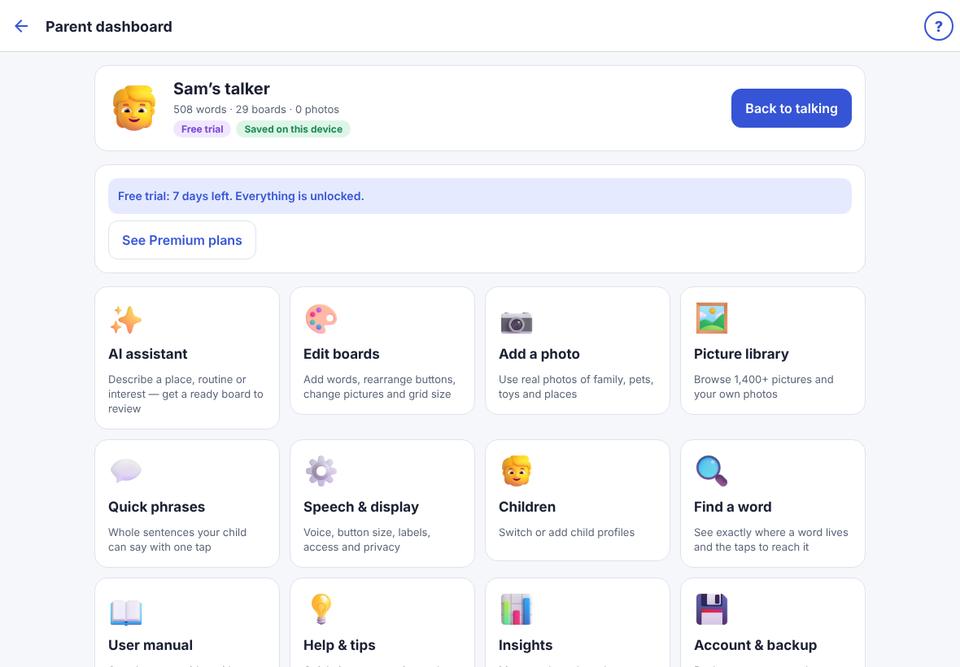
The parent dashboard opens. Each card opens a different tool. To go back to your child’s talker, tap Back to talking.
- 5
Stuck? Tap User manual on the dashboard, or the ? at the top-right of any parent screen.
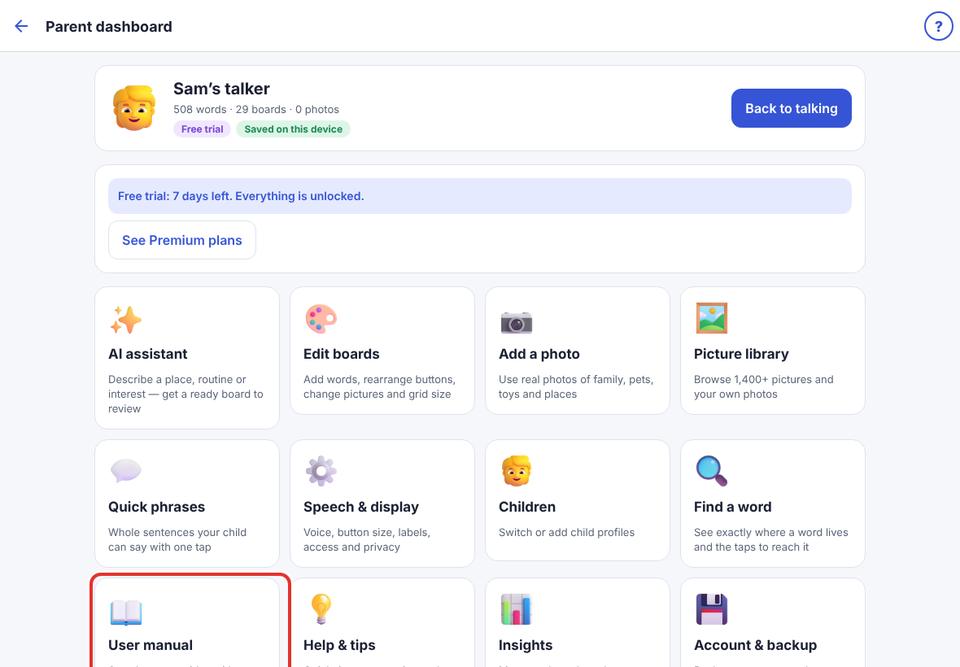
Every parent screen has a ? button at the top-right that opens the matching page of this manual.