Switch between places and routines
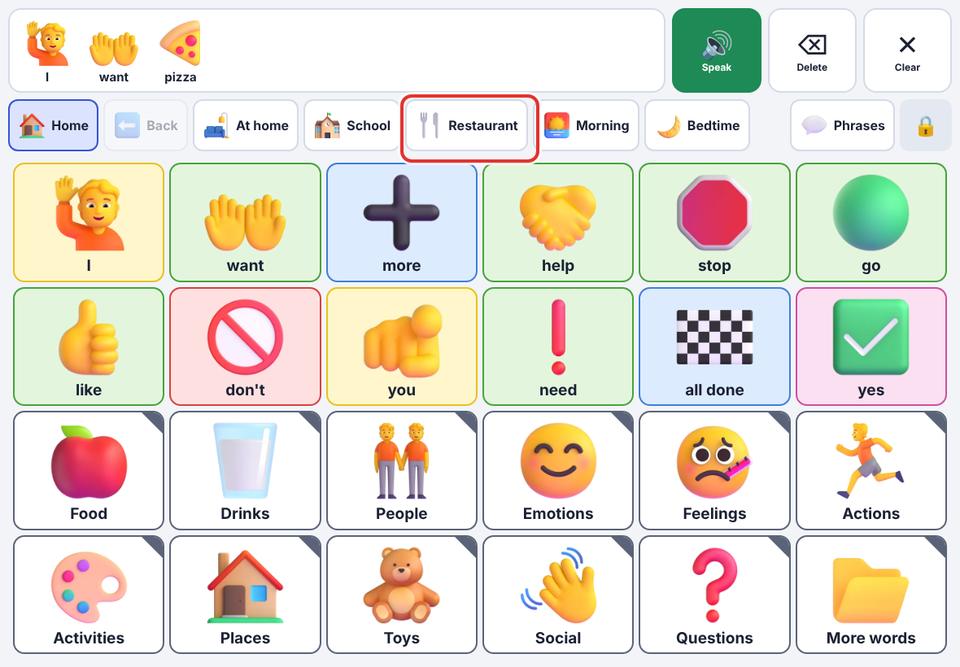
Boards for places (School, Restaurant…) and routines (Bedtime…) are one tap away in the strip at the top.
- 1
Look at the strip next to Home and Back. Each chip is a board.
- 2
Tap a chip, for example Restaurant, to open that board.
- 3
Tap Home to return to the main board.
Add more ready-made boards in Edit boards. You can also change the order of the chips there.