Something went wrong: problem reports
If the app closes or shows an error, a private report is kept on this iPad that you can send to support.
- 1
Parent area → Help & tips → scroll to Problem reports.
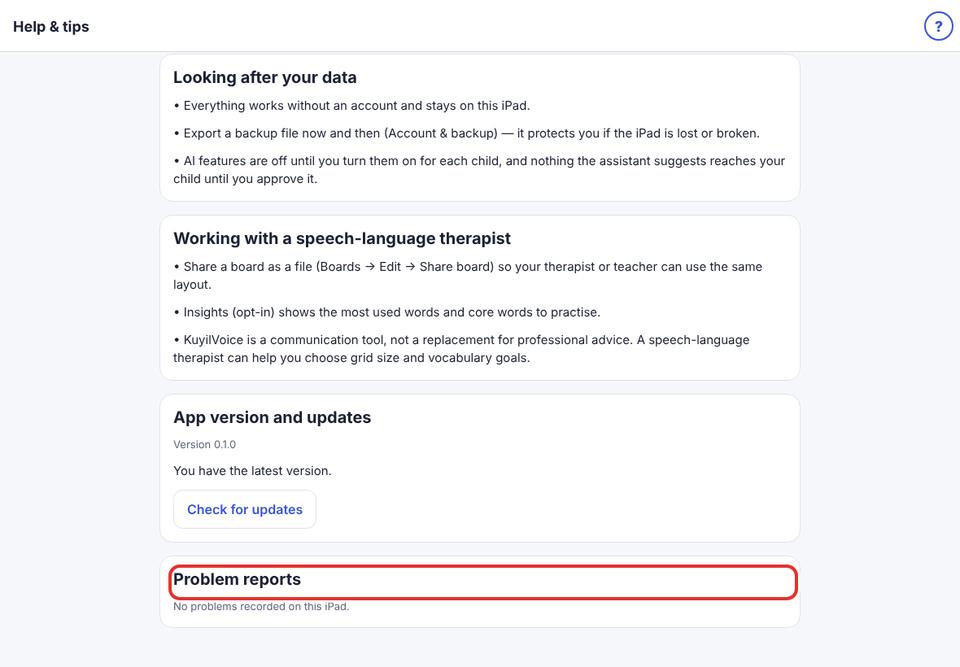
- 2
Tap Show report to see it, then Share report to send it.
- 3
Reports contain only technical details: no boards, words, photos or names.
Your child’s boards are always safe: they are saved on the iPad as you go.