Choose a picture for a button
Search 1,400+ built-in pictures, or use your own photo.
- 1
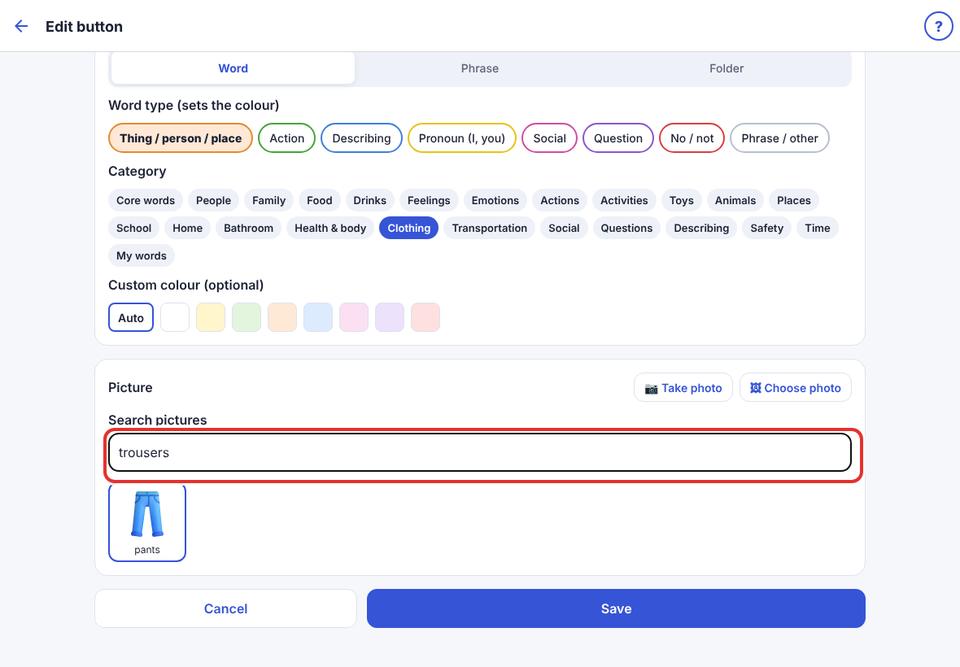
In the button editor, look at the picture section.
- 2
Type in the search box, for example “dog”, and tap a picture.
- 3
Or tap Categories to browse by topic.
- 4
To use a real photo, tap the camera or library button (see “Add your own photo”).