Create a new board
Make a board for anything: grandma’s house, swimming, a favourite game.
- 1
Parent area → Edit boards.
- 2
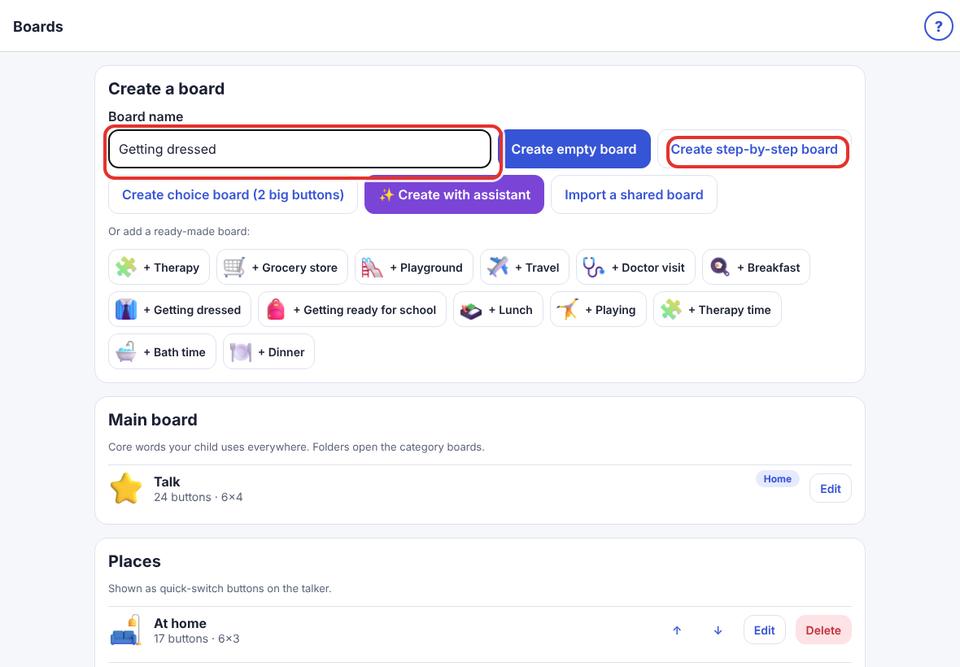
Type a name under Board name, for example “Grandma’s house”.
- 3
Tap Create empty board. The board editor opens.
- 4
Tap the empty + boxes to add buttons (see “Add a button”).
- 5
The new board appears in the talker’s strip.
Or let the AI assistant suggest the words: tap ✨ Create with assistant.