Change a button
Change a button’s word, what it says, its picture or its colour.
- 1
Open the board editor and tap the button.
- 2
Tap Edit button.
- 3
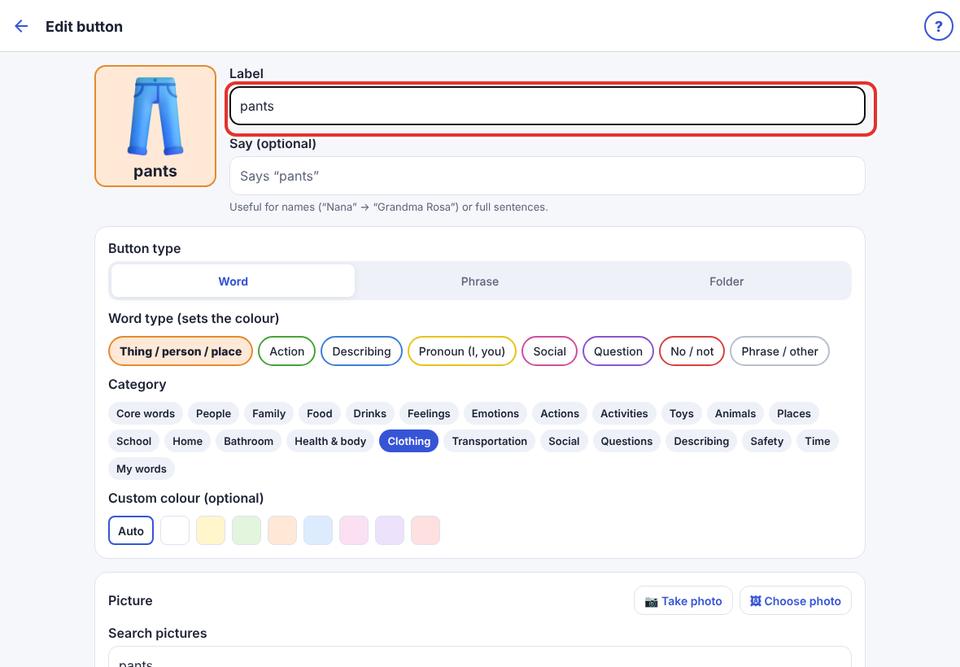
Change Label, Say, the type, the word type (sets the colour), or the picture.
- 4
Tap Save.
Change a button’s word, what it says, its picture or its colour.
Open the board editor and tap the button.
Tap Edit button.
Change Label, Say, the type, the word type (sets the colour), or the picture.
Tap Save.