Hide or delete a button
Hide words your child isn’t ready for, without changing where other words are.
- 1
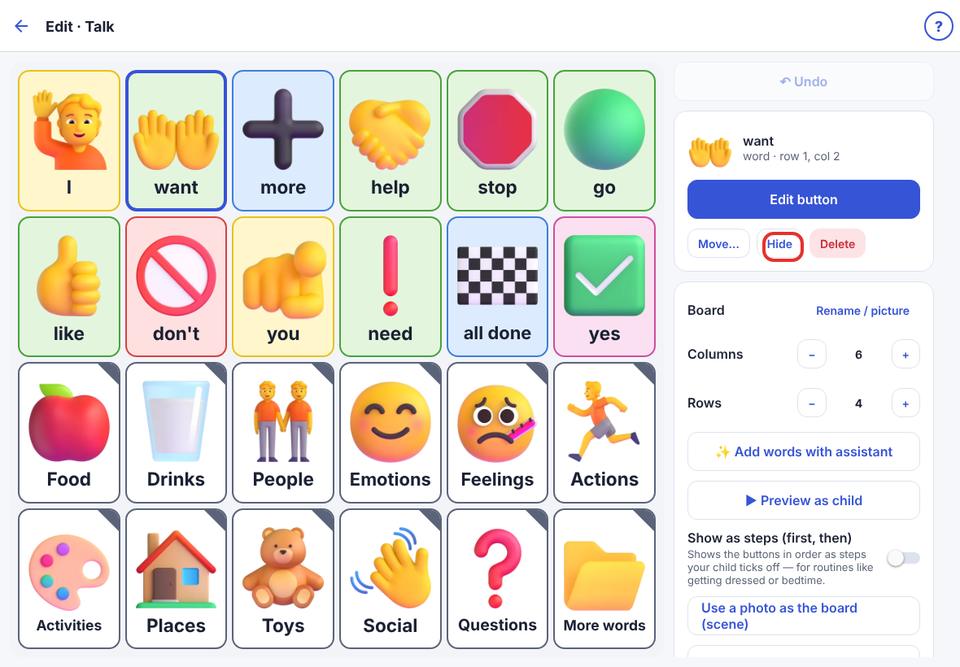
Open the board editor and tap the button to select it.
- 2
Tap Hide. It disappears from the talker but keeps its place (faded in the editor). Tap Show to bring it back.
- 3
Or tap Delete to remove it completely.
Hiding is better than deleting: the word keeps its place for when your child is ready.