How lively the talker feels
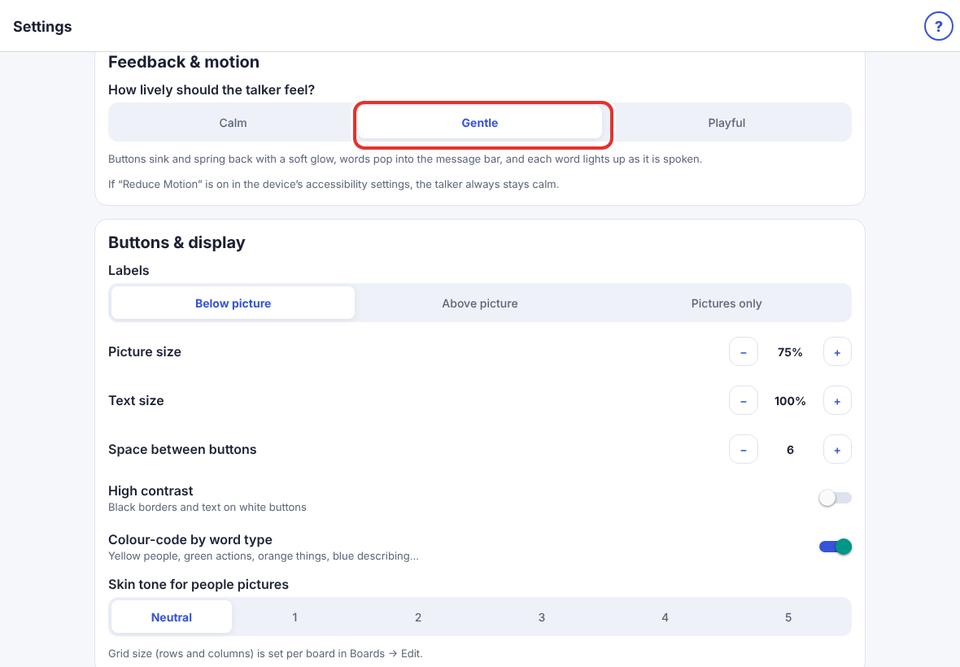
Choose Calm, Gentle or Playful.
- 1
Parent area → Speech & display → Feedback & motion.
- 2
Calm: no movement. Gentle: soft movement (default). Playful: bouncier, with a star burst when a message is spoken.
If Reduce Motion is on in the iPad’s Accessibility settings, KuyilVoice is always Calm.