Touch options (hold to select, repeated taps)
For children who press by accident or have shaky hands.
- 1
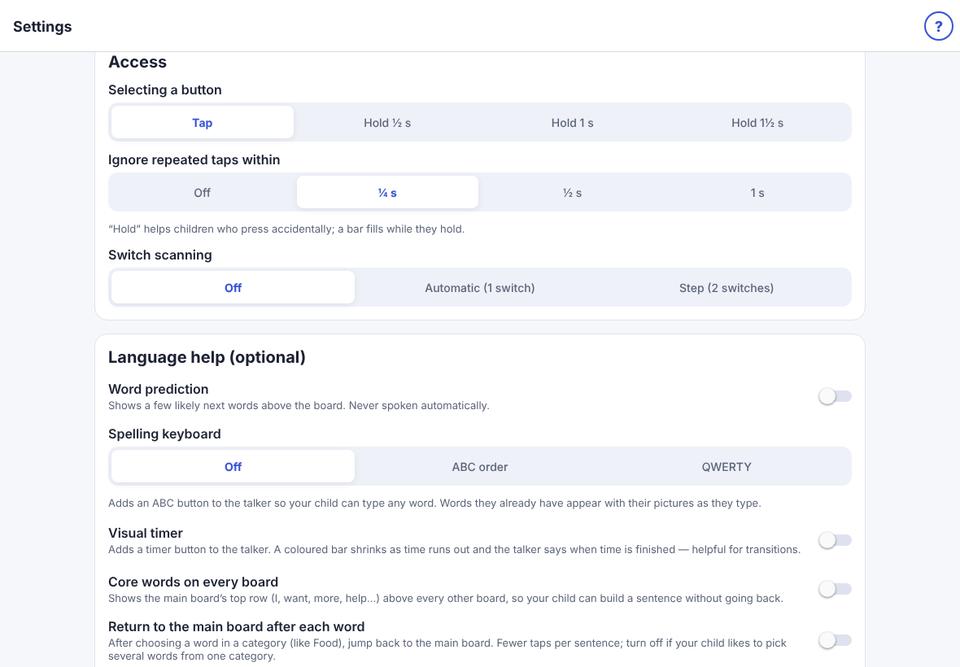
Parent area → Speech & display → Access.
- 2
Selecting a button: choose Hold ½ s, Hold 1 s or Hold 1½ s so a button is chosen only when held. A bar fills while holding.
- 3
Ignore repeated taps within: ignores a second tap on the same button that comes too quickly.